
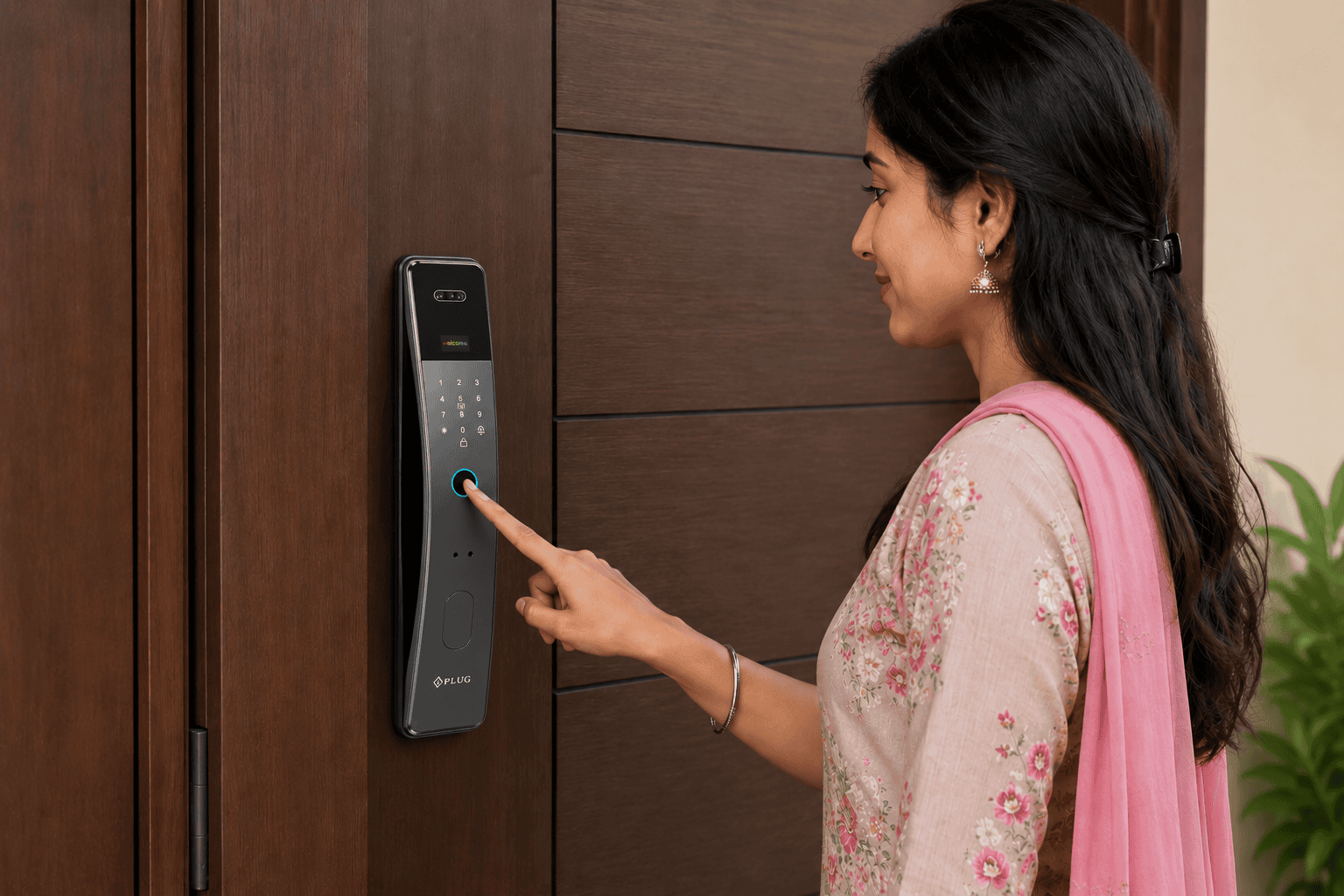
Why Smart Locks Don’t Fail When the Battery Dies
Why Smart Locks Don’t Fail When the Battery Dies is a common concern among homeowners considering a smart door lock. Many people believe that a dead battery will leave them locked outside, but modern smart locks are designed with multiple backup features to prevent this situation.
One of the biggest concerns people have before buying a smart lock is, “What happens if the battery dies?” Many assume that a dead battery means they will be locked out of their home. Fortunately, that is not how modern smart locks work. Why Smart Locks Don’t Fail When the Battery Dies is simple: they are designed with multiple backup features to ensure you can still access your home safely.
Most smart door locks provide early low-battery warnings, emergency power options, and mechanical backup keys. These features prevent sudden lock failures and give homeowners enough time to replace the batteries before they stop working.
Why Smart Locks Don’t Fail When the Battery Dies: Low Battery Warnings Give You Plenty of Time
Smart locks do not stop working without any notice. They monitor battery levels and alert users well before the batteries are fully drained.
Depending on the model, notifications may appear through:
- The mobile app
- LED indicator lights
- Audible beeps
- Voice prompts
These alerts often begin days or even weeks before the battery becomes completely empty. This gives users enough time to replace the batteries and continue using the lock without interruption.
Emergency Power Backup Keeps You Protected
Even if the batteries become completely drained, many smart locks include an emergency power feature. Some models allow you to temporarily power the lock using a USB port or an external battery pack.
This means you can restore power for a short time, unlock the door, and replace the batteries without damaging the lock or getting locked outside.
Mechanical Backup Keys Provide Additional Security
Many smart locks include a traditional mechanical backup key. If electronic functions are unavailable for any reason, you can simply unlock the door using the key, just like a standard lock.
This additional layer of security ensures that homeowners always have an alternative way to enter their home.
Stored Data Is Not Lost: Why Smart Locks Don’t Fail When the Battery Dies
A dead battery does not erase the lock’s stored information. Important settings remain safely stored, including:
- Registered fingerprints
- PIN codes
- User settings
- Access permissions
- Lock configuration
Once fresh batteries are installed, the smart lock continues operating with the same settings. There is no need to set everything up again.
Smart Locks Are Built for Real-Life Situations
Manufacturers understand that batteries eventually need replacement. That is why modern smart locks are specifically designed to handle low-power situations safely.
Reliable smart locks typically include:
- Low battery notifications
- Emergency power support
- Mechanical backup keys
- Secure memory storage
- Strong encryption for user data
These features work together to ensure your home remains secure even when battery power runs low.
Why Smart Locks Don’t Fail When the Battery Dies: Simple Tips to Prevent Battery Problems
Keeping your smart lock working smoothly is easy if you follow a few basic maintenance tips:
- Replace batteries every 6–12 months or whenever low battery alerts appear.
- Use high-quality alkaline batteries recommended by the manufacturer.
- Check battery levels regularly through the mobile app.
- Keep a spare set of batteries at home.
- Store your backup key in a safe and easily accessible place.
These simple habits help ensure uninterrupted performance throughout the year.
Why Choose iPlug Smart Locks?
When it comes to home security, iPlug Smart Locks are designed to offer more than just convenience. Along with advanced security features, iPlug ensures a reliable ownership experience through dedicated customer service and dependable product support.
With iPlug, you get:
- Dedicated Unlimited Support whenever you need assistance.
- Low battery alerts to help prevent unexpected lockouts.
- Emergency backup access for added peace of mind.
- Secure fingerprint, PIN, card, and mobile app unlocking options.
- Durable and reliable performance for everyday use.
- Easy installation and user-friendly operation.
Whether you need help with setup, troubleshooting, or product guidance, iPlug’s dedicated unlimited support is always available to ensure your smart lock continues to perform at its best.
Final Thoughts
Why Smart Locks Don’t Fail When the Battery Dies comes down to thoughtful engineering and built-in safety features. Modern smart locks are designed to provide continuous security through low-battery warnings, emergency power options, mechanical backup keys, and secure data storage.
Instead of worrying about being locked out, homeowners can feel confident knowing that today’s smart locks are built to handle battery-related situations safely and efficiently. With proper battery maintenance and timely replacement, a smart lock offers reliable convenience, enhanced security, and peace of mind for everyday use.
