
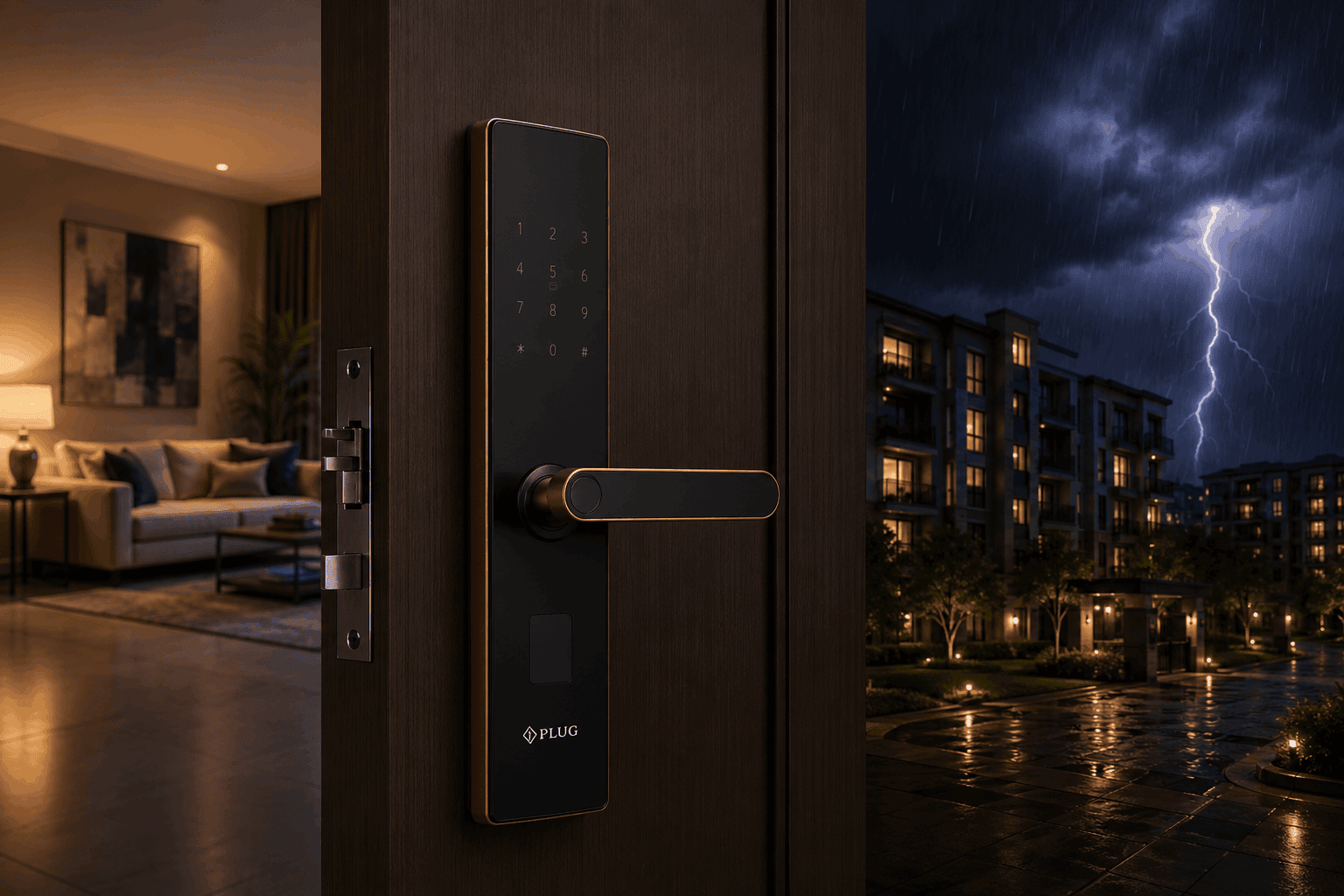
What Happens During a Power Failure?
What Happens During a Power Failure is an important question for homeowners considering a smart door lock. Many people worry that an electronic lock will stop working or that they could get locked out if the electricity goes off.
The good news is that most modern smart door locks are designed to operate independently from the home’s main electricity supply. Battery-powered models can continue providing access even when the lights, fans, and other electrical appliances stop working.
Depending on the model, users may still be able to unlock a fingerprint door lock using a fingerprint, PIN code, RFID card, or mechanical backup key.
Understanding What Happens During a Power Failure can help homeowners choose a suitable digital door lock and prepare for unexpected electrical outages.
What Happens to a Smart Door Lock During a Power Failure?
When there is a power failure, the effect on your smart lock depends on how the lock is powered.
Most residential smart locks use built-in batteries rather than drawing power directly from the home’s electrical supply. Therefore, a normal power outage does not necessarily stop the lock from working.
For example, if the electricity goes off while you are at home, your keyless door lock can generally continue to operate using its internal battery.
However, the exact behavior depends on the specific product and its design.
How Battery-Powered Smart Locks Work
Battery-powered smart door locks store energy inside their batteries to operate electronic components such as:
- Fingerprint sensors
- Keypads
- RFID readers
- Bluetooth modules
- Motors
- Display panels on supported models
Because the lock has its own power source, it can continue operating during a household power outage.
This makes battery operation an important feature to consider when selecting a smart door lock for your home.
What Still Works During a Power Failure?
In a battery-powered fingerprint door lock, several local access methods may continue working during a power outage.
| Feature | During Power Failure |
|---|---|
| Fingerprint Access | ✅ Usually works on battery-powered models |
| PIN Code | ✅ Usually works |
| RFID Card | ✅ Supported models |
| Mechanical Key | ✅ Supported models |
| Mobile App | Depends on connectivity |
| Wi-Fi Features | May be affected |
| Main Electricity | ❌ Unavailable |
The exact features depend on the lock model, battery condition, and system configuration.
Does a Power Failure Make a Smart Lock Unsafe?
A power failure does not automatically make a smart door lock less secure.
A properly designed digital door lock can continue to protect the entrance using its internal battery and local authentication methods.
In fact, having multiple unlocking options can provide additional flexibility during unexpected situations.
For example, if the electronic system has a problem, a supported mechanical backup key can provide another way to access the door.
What If the Smart Lock Battery Is Also Low?
This is a more important situation than a normal power outage.
If the internal battery is almost empty, electronic unlocking may eventually become unavailable. That’s why modern smart locks generally provide low-battery warnings.
Homeowners should replace or recharge batteries as recommended by the manufacturer.
Some models may also provide an emergency external power option.
Smart Lock vs Traditional Lock During a Power Failure
A simple comparison can help explain the difference.
| Feature | Smart Door Lock | Traditional Lock |
|---|---|---|
| Depends on Home Electricity | Usually No | No |
| Battery Required | Usually Yes | No |
| Fingerprint Access | Supported models | No |
| PIN Access | Supported models | No |
| RFID Access | Supported models | No |
| Mechanical Key | Supported models | Yes |
| Low-Battery Warning | Supported models | Not applicable |
| Keyless Entry | Yes | No |
Both types can continue providing basic access during a power outage, but a smart door lock can offer additional authentication options depending on the model.
How to Prepare for a Power Failure
You can take a few simple steps to ensure uninterrupted home security:
Keep Batteries Healthy
Replace batteries when you receive a low-battery warning.
Keep Backup Access Available
If your lock supports a mechanical key, keep it in a secure and accessible location.
Know the Emergency Procedure
Understand how your particular fingerprint door lock handles emergency power or manual unlocking.
Check the Lock Regularly
Test the unlocking methods occasionally to make sure everything is working correctly.
Follow Manufacturer Instructions
Always follow the installation, battery, and maintenance instructions provided with your specific smart lock.
What Happens to Wi-Fi-Connected Smart Locks?
If your smart door lock uses Wi-Fi for certain connected features, a power failure can affect the Wi-Fi router as well. In this situation, features that depend on an active internet connection may temporarily become unavailable.
However, the local unlocking methods of a battery-powered lock can continue to work, depending on the model.
| Function | During Power Failure |
|---|---|
| Fingerprint Unlock | ✅ Usually available |
| PIN Unlock | ✅ Usually available |
| RFID Access | ✅ Supported models |
| Mechanical Key | ✅ Supported models |
| Mobile App | ⚠️ Depends on connectivity |
| Remote Unlocking | ⚠️ May be unavailable |
| Cloud Features | ⚠️ May be unavailable |
| Local Locking | ✅ Usually available |
This means a temporary power outage does not necessarily mean that you lose access to your home. The exact behavior depends on the lock, router, connectivity setup, and battery condition.
Emergency Power Options
Some digital door locks provide an emergency power feature for situations where the internal battery becomes completely depleted.
Depending on the model, an external power source may temporarily provide enough power to activate the electronic system and allow authorized access.
A mechanical backup key may also be available on supported models.
When choosing a fingerprint door lock, always check which emergency access options are provided by the manufacturer.
How to Maintain Your Smart Lock During Power Outages
Proper maintenance can help your smart door lock remain reliable when unexpected power failures occur.
1. Replace Batteries on Time
Don’t wait until the batteries are completely depleted. Replace them when the low-battery warning appears.
2. Keep a Backup Key Safe
If your lock includes a mechanical key, keep it somewhere secure but accessible in an emergency.
3. Test Access Methods
Occasionally test your fingerprint, PIN, RFID card, and other supported unlocking methods.
4. Keep the Lock Clean
Keep the fingerprint sensor and keypad clean so that they continue to respond properly.
5. Check Door Alignment
A misaligned door can make the locking mechanism harder to operate. Regularly check that the door closes and locks smoothly.
Common Myths About Smart Locks During Power Failures
Myth 1: A Power Cut Immediately Locks Everyone Out
Not necessarily. Battery-powered smart locks can continue operating even when household electricity is unavailable.
Myth 2: Smart Locks Always Need Electricity From the House
Most residential electronic locks use their own batteries, so they generally don’t depend directly on the home’s electrical supply.
Myth 3: Wi-Fi and Battery Power Are the Same Thing
They are different. A lock can have enough battery power to operate locally while the Wi-Fi router is unavailable because of a power outage.
Myth 4: Smart Locks Have No Backup
Many models provide additional access options such as mechanical keys or emergency power features, depending on the product.
Why Choose iPlug Smart Door Locks?
At iPlug, we understand that reliable home security should not depend entirely on your home’s electricity supply.
Our smart door locks are designed to provide convenient access through multiple authentication options, depending on the model.
Why Choose iPlug?
- Modern smart door lock technology
- Fingerprint authentication
- PIN access
- RFID access on supported models
- Mechanical backup options on supported models
- Battery-powered operation
- Modern and durable designs
- Enhanced home security
- Easy installation and maintenance
- Dedicated Unlimited Customer Support
With iPlug, homeowners can enjoy modern keyless access while having suitable backup options for unexpected situations.
Smart Lock Power Failure Checklist
| Check | Why It Matters |
|---|---|
| Battery Level | Prevents unexpected battery depletion |
| Low-Battery Alert | Gives advance warning |
| Backup Key | Provides manual access where supported |
| Emergency Power | Helps restore electronic access on supported models |
| Wi-Fi Status | Determines availability of connected features |
| Door Alignment | Ensures smooth locking and unlocking |
| Regular Maintenance | Supports reliable long-term operation |
Keeping these points in mind can make your smart door lock more dependable during unexpected power interruptions.
Frequently Asked Questions
What Happens During a Power Failure with a Smart Door Lock?
What Happens During a Power Failure depends on the lock’s design. Most battery-powered smart locks can continue local unlocking through supported methods such as fingerprint, PIN, RFID, or a mechanical key.
Will my smart door lock stop working if electricity goes out?
Usually, no. Most residential smart door locks use internal batteries, so a household power outage does not necessarily stop the lock from operating.
Can I unlock a smart lock when the battery is dead?
Depending on the model, you may be able to use a mechanical backup key or an emergency external power option.
Does Wi-Fi stop working during a power failure?
If your Wi-Fi router also loses power, internet-dependent features such as remote access or cloud connectivity may temporarily become unavailable.
Are smart locks safe during power outages?
Yes. A properly maintained smart door lock can continue providing secure local access during a power outage, provided its battery has sufficient charge and the supported access methods are functioning.
How can I prevent smart lock battery failure?
Monitor low-battery warnings, replace batteries on schedule, and follow the manufacturer’s maintenance recommendations.
Conclusion
Knowing What Happens During a Power Failure can help homeowners feel more confident about choosing a smart door lock. A household electricity outage does not normally mean that a battery-powered smart lock will stop working. Local access methods such as fingerprint, PIN, RFID, or a mechanical backup key can continue to provide access, depending on the model.
However, connected features such as remote access and cloud services may be affected if the Wi-Fi router or internet connection also loses power. That’s why battery condition, backup access, and regular maintenance are important considerations when choosing a digital door lock.
With iPlug smart door locks, homeowners can enjoy convenient keyless access, modern security features, multiple authentication options, and Dedicated Unlimited Customer Support for greater peace of mind.
