
What Happens If WiFi Stops Working? Smart Lock Guide
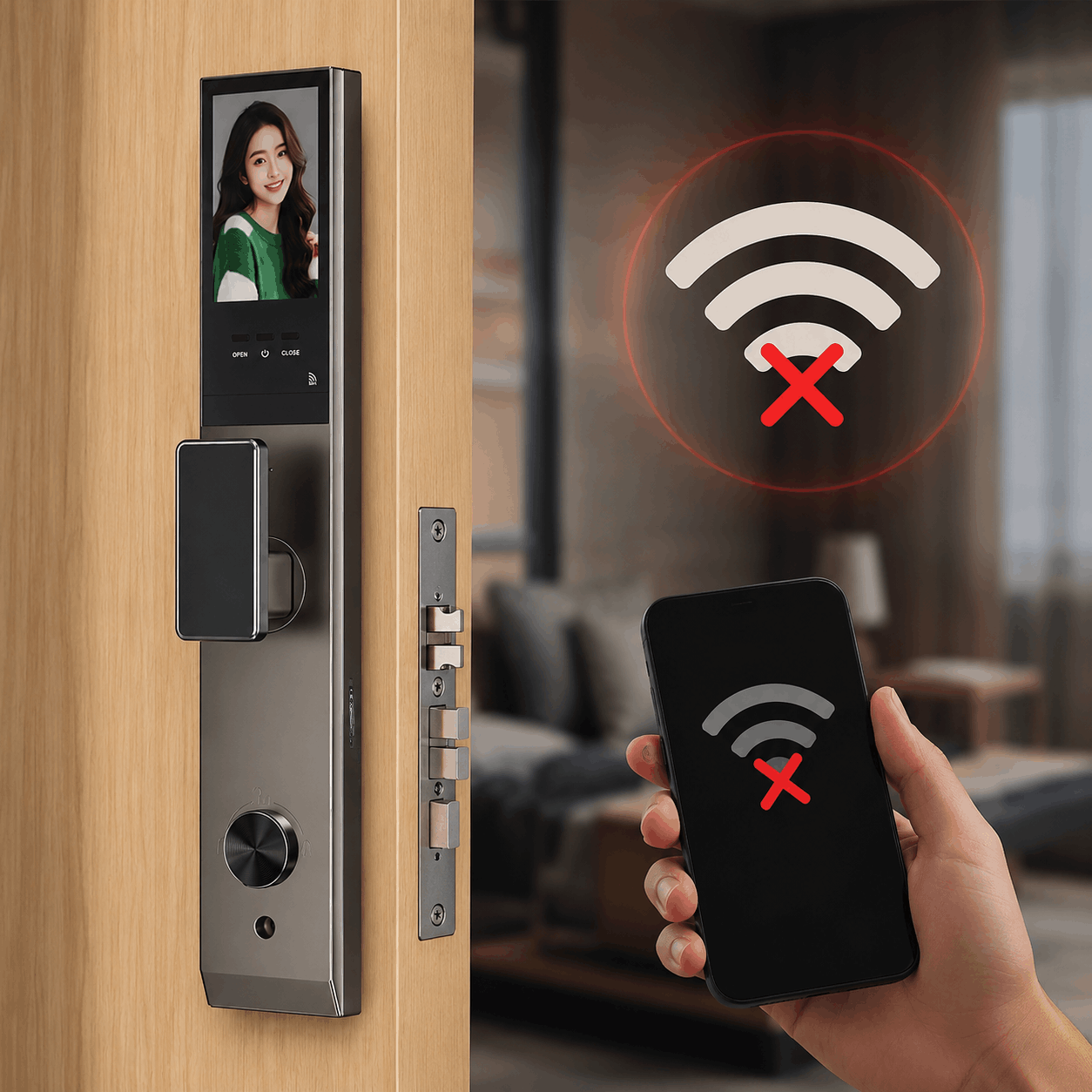
What Happens If WiFi Stops Working? This is a common concern for homeowners who use or plan to install a smart door lock. Many people assume that if the WiFi connection is interrupted, the lock will stop working completely. However, that is not how most modern smart locks are designed.
A quality digital door lock can usually continue to perform its primary locking and unlocking functions even when WiFi is unavailable. Features such as fingerprint recognition, PIN codes, RFID cards (supported models), or a mechanical backup key generally continue to work because they do not rely on a constant internet connection.
Understanding What Happens If WiFi Stops Working helps you choose the right fingerprint door lock while ensuring reliable home security in everyday situations.
What Happens If WiFi Stops Working?
In most cases, your smart door lock will continue to work even if your WiFi connection is unavailable.
The lock’s core security functions typically operate locally. WiFi is mainly required for online features such as remote access, mobile notifications, or cloud synchronization on compatible models.
This means you can usually continue using your smart lock without being locked out of your home.
What Still Works Without WiFi?
Most modern smart door locks continue to support local unlocking methods.
Depending on the model, these include:
- Fingerprint Recognition
- PIN Code
- RFID Card (supported models)
- Mechanical Backup Key
- Bluetooth Access (supported models)
These methods allow the keyless door lock to function normally even during a WiFi outage.
Benefits of Offline Smart Lock Operation
1. Continuous Home Security
Even without WiFi, a quality smart door lock continues to protect your home using locally stored credentials.
This helps maintain reliable home security during temporary internet interruptions.
2. Convenient Family Access
Registered family members can continue using fingerprints or PIN codes to unlock the digital door lock.
There is no need to wait for the internet connection to return before entering the home.
3. Reduced Dependence on Internet Connectivity
One of the biggest advantages of a fingerprint door lock is that everyday access does not usually depend on WiFi.
This makes the lock dependable in areas where internet service may occasionally be interrupted.
4. Multiple Unlocking Options
Modern smart locks are designed with flexibility in mind.
Depending on the product, users may unlock the door using:
- Fingerprint
- PIN Code
- RFID Card (supported models)
- Bluetooth (supported models)
- Mechanical Backup Key
Having multiple unlocking methods ensures reliable access in different situations.
5. Peace of Mind During Network Outages
Temporary internet outages can happen unexpectedly.
Knowing that your smart door lock continues to operate locally provides homeowners with greater confidence and improves overall smart home security.
6. Reliable Everyday Performance
A premium digital door lock is designed to deliver consistent performance regardless of your WiFi status for its local unlocking functions.
This reliability makes smart locks suitable for apartments, villas, independent homes, and residential communities.
7. Better Long-Term Convenience
Because most daily interactions happen locally, homeowners can enjoy the convenience of a keyless door lock without worrying about occasional WiFi interruptions.
Features That May Require WiFi
While answering What Happens If WiFi Stops Working, it’s important to understand that some advanced features depend on an active internet connection. The availability of these features varies by smart door lock model.
Features that may require WiFi include:
- Remote lock and unlock (supported models)
- Real-time mobile notifications
- Cloud synchronization
- Remote user management
- Activity logs through the mobile app
- Smart home integration (supported models)
Even if these features are temporarily unavailable, the core functions of your smart lock usually continue to work locally.
Common Myths About WiFi and Smart Locks
Many homeowners have misconceptions about smart door locks during internet outages. Here are the facts.
Myth 1: The Smart Lock Stops Working Completely
This is false. Most digital door locks continue to operate using fingerprint recognition, PIN codes, RFID cards (supported models), Bluetooth (supported models), or a mechanical backup key.
Myth 2: You Will Be Locked Out of Your Home
In most situations, no. A quality fingerprint door lock offers multiple local unlocking methods, allowing authorized users to enter the home even without WiFi.
Myth 3: WiFi Is Required Every Time You Unlock the Door
Not true. Everyday unlocking generally happens directly on the smart door lock, while WiFi is mainly used for optional online features.
Myth 4: Offline Smart Locks Are Less Secure
A smart door lock remains secure because authentication credentials are typically stored within the lock. Local unlocking methods continue to protect your home even during network interruptions.
Tips for Using a Smart Lock During WiFi Outages
To ensure uninterrupted access, follow these simple tips:
- Register multiple fingerprints for family members.
- Keep a backup PIN code available.
- Replace batteries before they become fully discharged.
- Keep the mechanical backup key in a safe location.
- Check your internet connection after service is restored.
- Update your smart lock firmware when supported by the manufacturer.
These simple practices help maintain reliable home security and ensure your keyless door lock performs smoothly.
Why Choose iPlug Smart Door Locks?
At iPlug, we design smart door locks that provide dependable security, convenience, and reliable local operation, even during temporary WiFi interruptions.
Why Choose iPlug?
- Premium-quality smart door lock
- Advanced fingerprint door lock technology
- Multiple unlocking methods
- Reliable digital door lock performance
- Offline unlocking support
- Elegant and durable design
- Enhanced home security
- Easy installation and maintenance
- Dedicated Unlimited Customer Support
Whether you live in an apartment, villa, or independent home, iPlug offers secure keyless solutions designed for modern lifestyles.
Frequently Asked Questions
What Happens If WiFi Stops Working?
What Happens If WiFi Stops Working? In most cases, your smart door lock continues to function normally for local unlocking. Fingerprint recognition, PIN codes, RFID cards (supported models), Bluetooth access (supported models), and mechanical backup keys generally continue to work.
Can I still unlock my smart lock without WiFi?
Yes. Most digital door locks support local unlocking methods even when there is no WiFi connection.
Which smart lock features may stop working without WiFi?
Depending on the model, remote unlocking, app notifications, cloud synchronization, and smart home integration may require an active internet connection.
Is a smart door lock secure without WiFi?
Yes. A quality fingerprint door lock stores user credentials locally, allowing secure authentication without depending on WiFi for everyday access.
Why choose iPlug Smart Door Locks?
iPlug offers advanced smart door locks with dependable performance, premium-quality construction, multiple unlocking options, and Dedicated Unlimited Customer Support.
Conclusion
Understanding What Happens If WiFi Stops Working gives homeowners greater confidence when choosing a smart door lock. Most modern smart locks are designed to continue working locally, allowing users to unlock the door using fingerprints, PIN codes, RFID cards (supported models), Bluetooth (supported models), or a mechanical backup key. Although certain online features may be unavailable during a WiFi outage, your lock’s essential security functions typically remain operational.
Whether you’re upgrading your home’s security or installing a new digital door lock, choosing a reliable product ensures dependable performance in both online and offline situations. With iPlug Smart Door Locks, you get advanced technology, stylish design, enhanced smart home security, and Dedicated Unlimited Customer Support for complete peace of mind.
.
